X/Twitter Video to Text: Get a Transcript in Seconds
A step-by-step guide to converting any X or Twitter video into text, in seconds, with no account required.
Videos on X move through your feed fast, and it's easy to miss a detail or want the exact wording later — especially for threads that reference a video's content. Converting an X or Twitter video to text fixes that instantly. Here's how to do it for free, with no account and nothing to install.
Why Transcribe an X/Twitter Video?
Video on X is built for quick viewing, not referencing later. A transcript changes that:
- Content repurposing — turn a video into a blog post, thread, or newsletter snippet
- Note-taking — save facts from an educational or informational video without rewatching
- Quoting accurately — get exact wording for articles, research, or citations
- Accessibility — read the content instead of relying on audio
- Content creation — study high-performing video scripts by seeing their exact structure and pacing
Step 1: Paste the X/Twitter Video Link into TranscriptAny
Go to TranscriptAny and click the Other URL tab — this is the one that handles X/Twitter, along with TikTok, Instagram, and Facebook links.
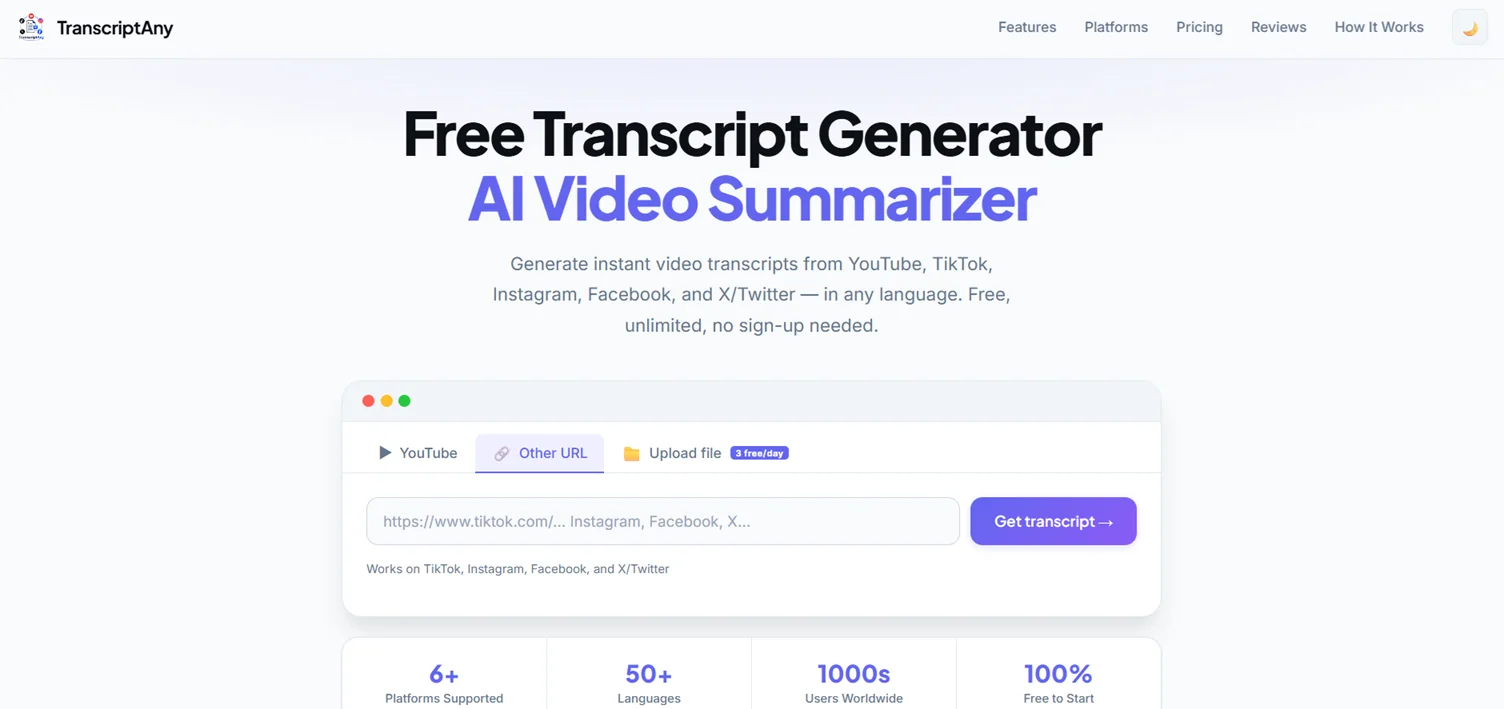
Copy the video's link from the share button or your browser's address bar, and paste it into the field.
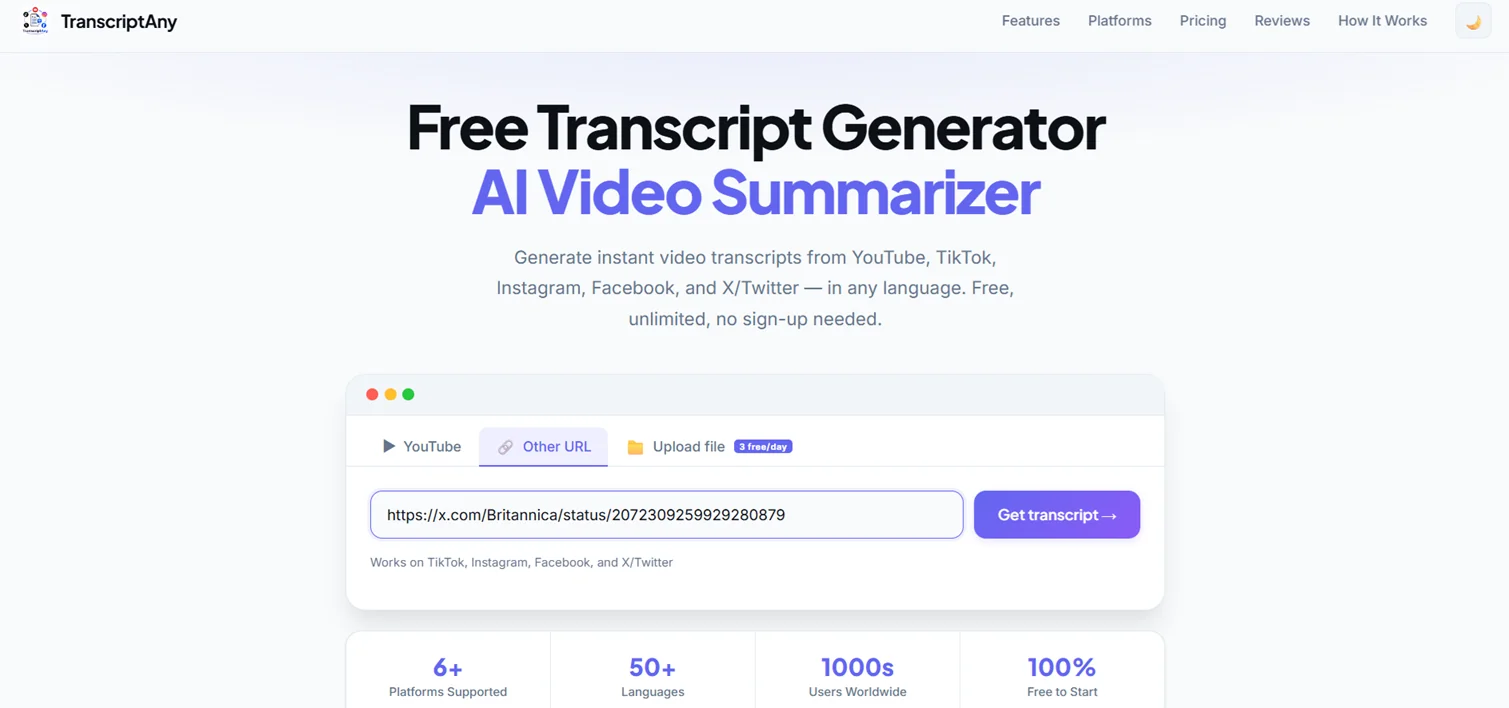
Click Get transcript and you're done — no X login or account linking required.
Step 2: Get the Full Transcript Instantly
Within seconds, you'll have the complete transcript, timestamped by segment, along with basic video info like word count and segment count.
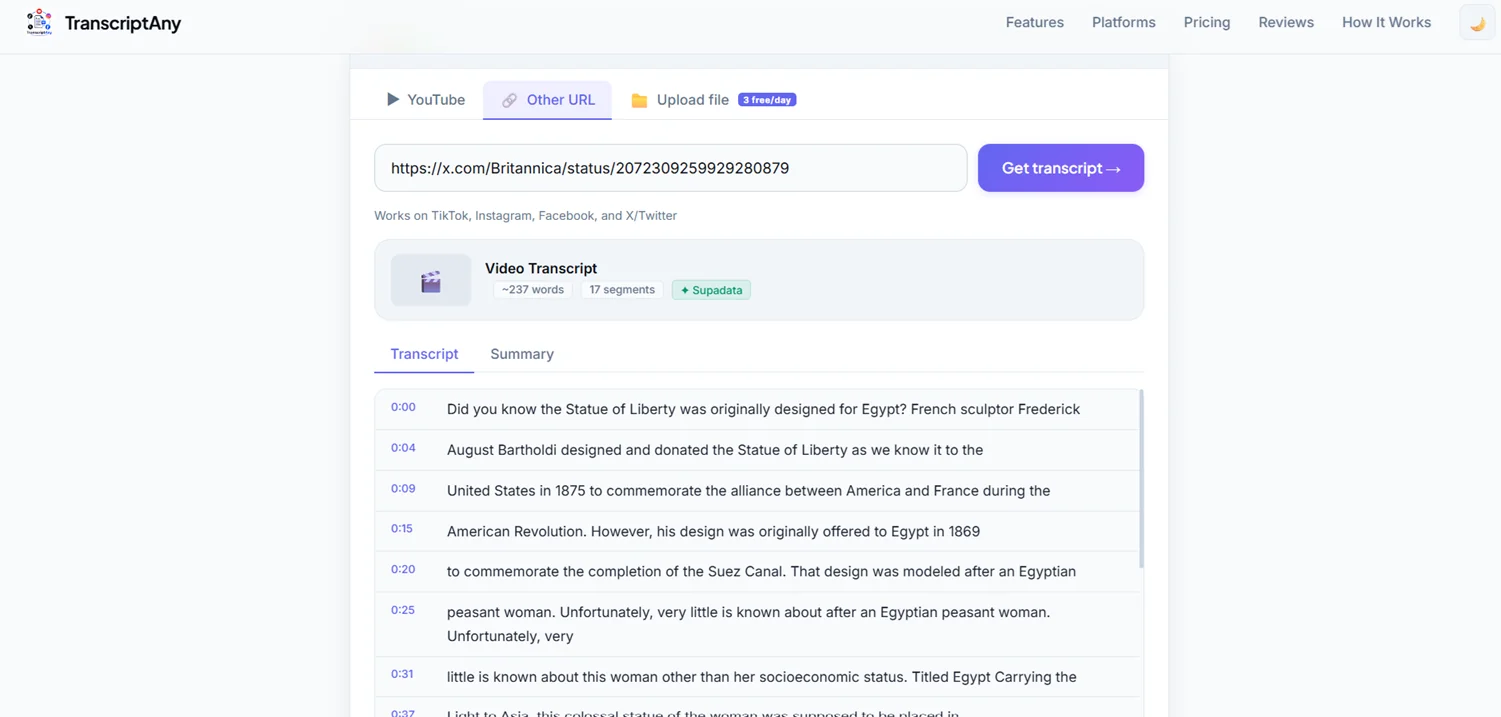
Even fast-paced or narration-heavy videos get broken down cleanly, so you can read exactly what was said, in order.
Step 3: Download the Transcript in Your Preferred Format
Once you have your transcript, TranscriptAny gives you several ways to save or reuse it:
- Copy Text — copy the full transcript instantly
- .txt with timestamps — useful for reference or repurposing
- .srt — a subtitle file ready for your video editor
- .pdf — for sharing or printing
- .docx — Word document export (Pro)
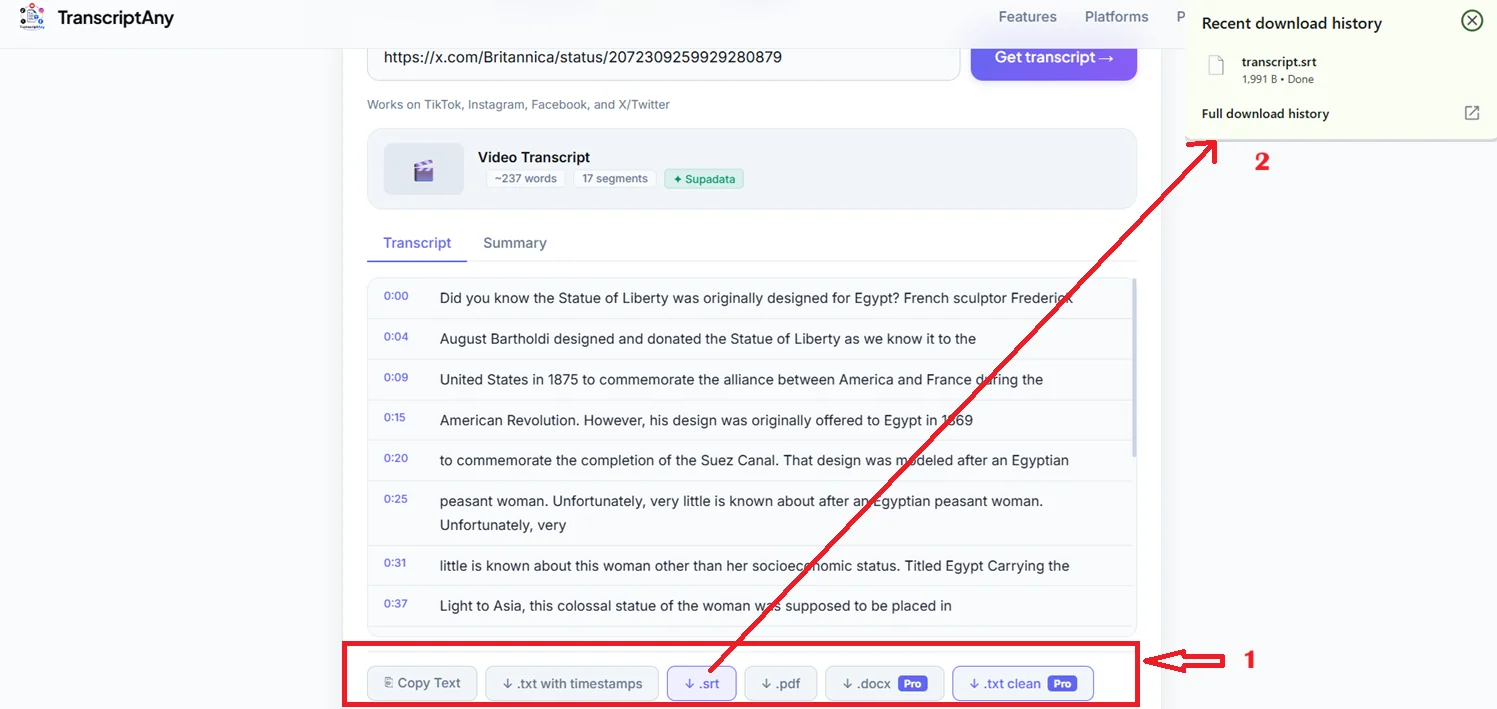
If you're captioning your own repost or editing a reaction video, the .srt file drops straight into most video editors.
Step 4: Get an AI Summary of the Video
For longer or fact-dense videos, TranscriptAny can also generate an AI summary and key takeaways — handy for quickly capturing the main point of a video without transcribing it manually in your head.
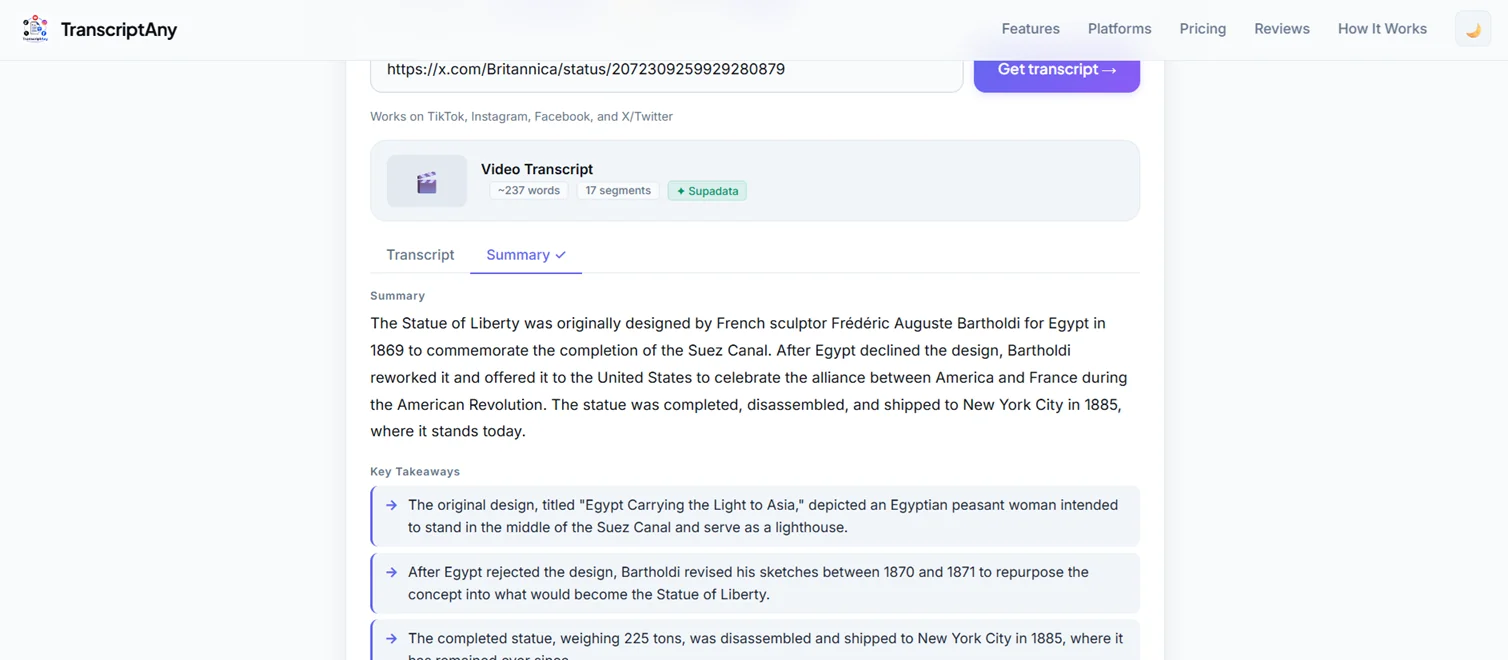
This is especially useful for educational or informational videos, where you want the core facts without reading the entire transcript.
Does It Work on Any X/Twitter Video?
It works on any public X/Twitter video. Protected accounts or videos with restricted visibility can't be transcribed, since the content itself isn't publicly accessible.
What About Other Platforms?
The same Other URL tab also works for TikTok, Instagram, and Facebook videos — so if you're pulling content from multiple platforms, you don't need a different tool for each one.
Is It Free?
Yes. Unlimited X/Twitter URL transcripts are free, with no sign-up required. AI summaries and file uploads include a limited free daily allowance, with a Pro plan available for higher usage.
Try It Yourself
Grab any public X/Twitter video link and try TranscriptAny free — paste, click, and get your transcript in seconds.
Convert X/Twitter Video to Text Now — Free →