How to Transcribe a Recorded Webinar
Turn your webinar recording into a searchable transcript and summary — great for repurposing content and making it accessible after the fact.
A webinar's real value doesn't have to end when the live session does. Once it's recorded, transcribing it turns an hour of spoken content into text you can repurpose into blog posts, searchable resource pages, or a quick-reference summary for people who missed it.
Get Your Recording Transcribed
If your webinar platform lets you download the recording, upload the file directly to TranscriptAny using the Upload file tab. If you've posted the recording to YouTube afterward — common for webinars used as evergreen content — paste that link instead.
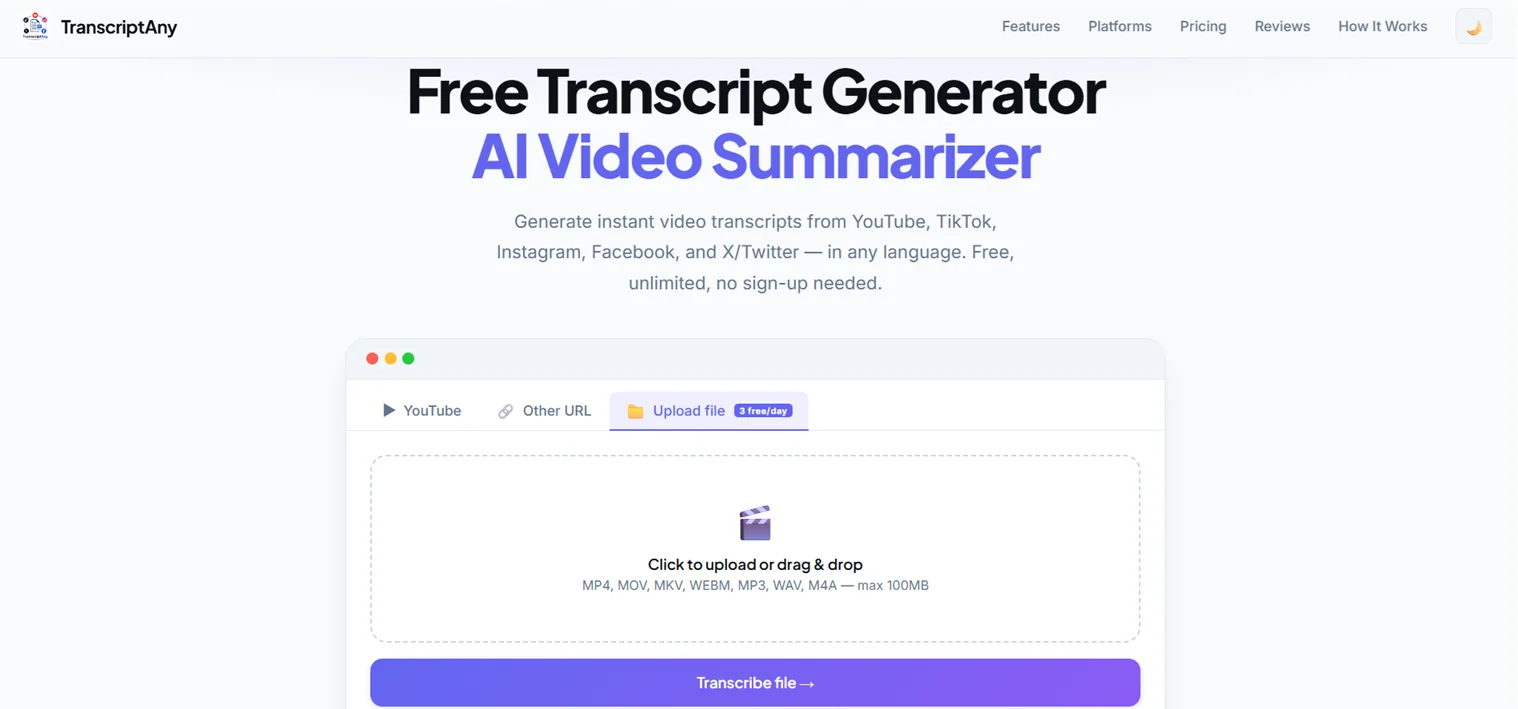
Turn It Into Reusable Content
- Blog post: the full transcript is a ready starting point for a written recap of the webinar
- Resource page: publish the transcript alongside the recording so search engines can index the actual content discussed
- Quick summary: use the Summary tab to generate key takeaways for people who want the gist without watching the full recording
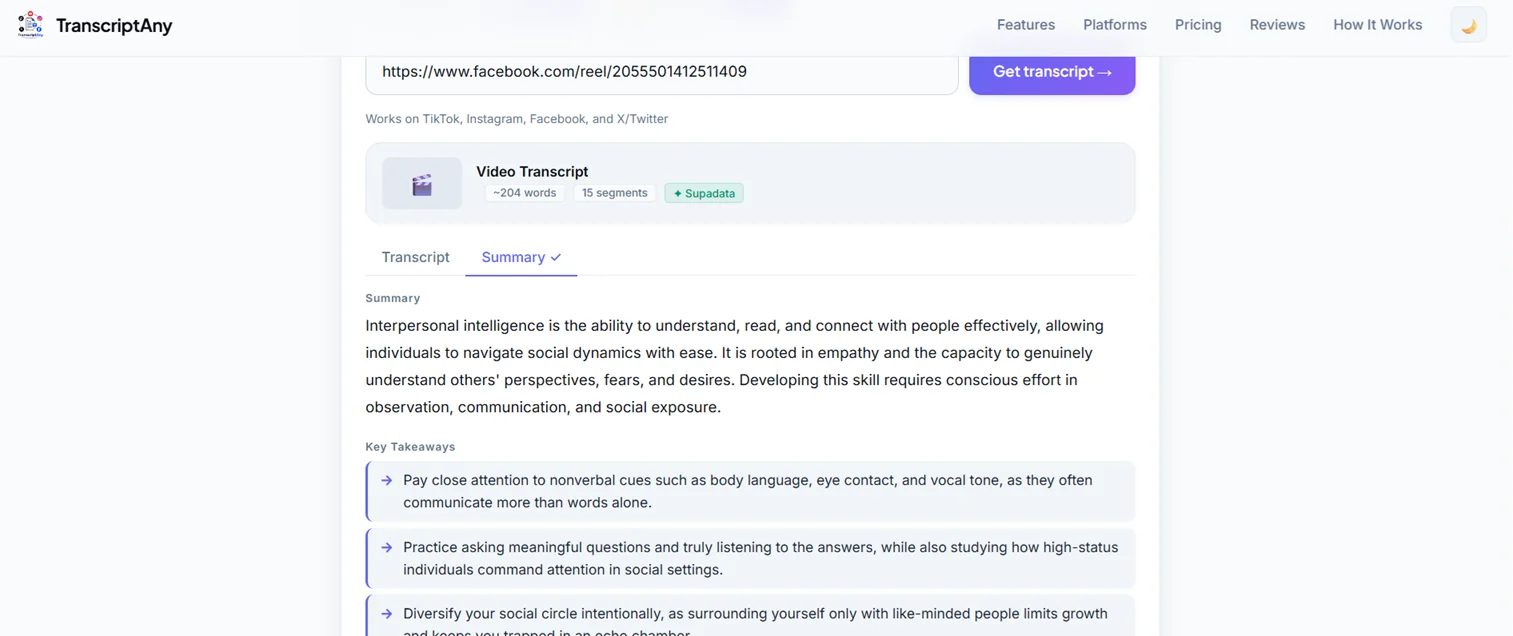
Turn It Into Follow-Up Content
A webinar transcript is a ready source for post-event email follow-ups: pull a few strong quotes or key points directly from the text to include in a recap email, instead of re-listening to find them. It's also useful for sales and marketing teams who want to lift specific talking points into other materials without transcribing by hand.
Webinars With International Attendees
If your webinar draws attendees who speak a different language than the one it was presented in, TranscriptAny's translation feature (Pro) can convert the finished transcript into another language after the fact — useful for sharing a recap with international audiences who weren't able to follow along live.
Try It on Your Next Webinar Recording
Upload the recording or paste a YouTube link and get your transcript and summary in minutes — free.
Transcribe a Webinar Now — Free →