How to Summarize Lectures With AI (Free, in Minutes)
Skip the manual note-taking. Turn a recorded lecture into a full transcript, a summary, and key takeaways — automatically.
Sitting through a re-watch of a recorded lecture just to extract the main points is a slow way to study. Here's a faster path: get the full transcript, then let AI pull out a summary and the key takeaways, so you can review the substance in a fraction of the time. This is transcription and AI summarization working as two separate steps, not one model doing both.
Step 1: Get the Lecture Into TranscriptAny
If the lecture is posted on YouTube or another supported platform, paste the link directly. If you have your own recording — a phone recording, a Zoom capture, or a downloaded file — go to TranscriptAny and use the Upload file tab instead.
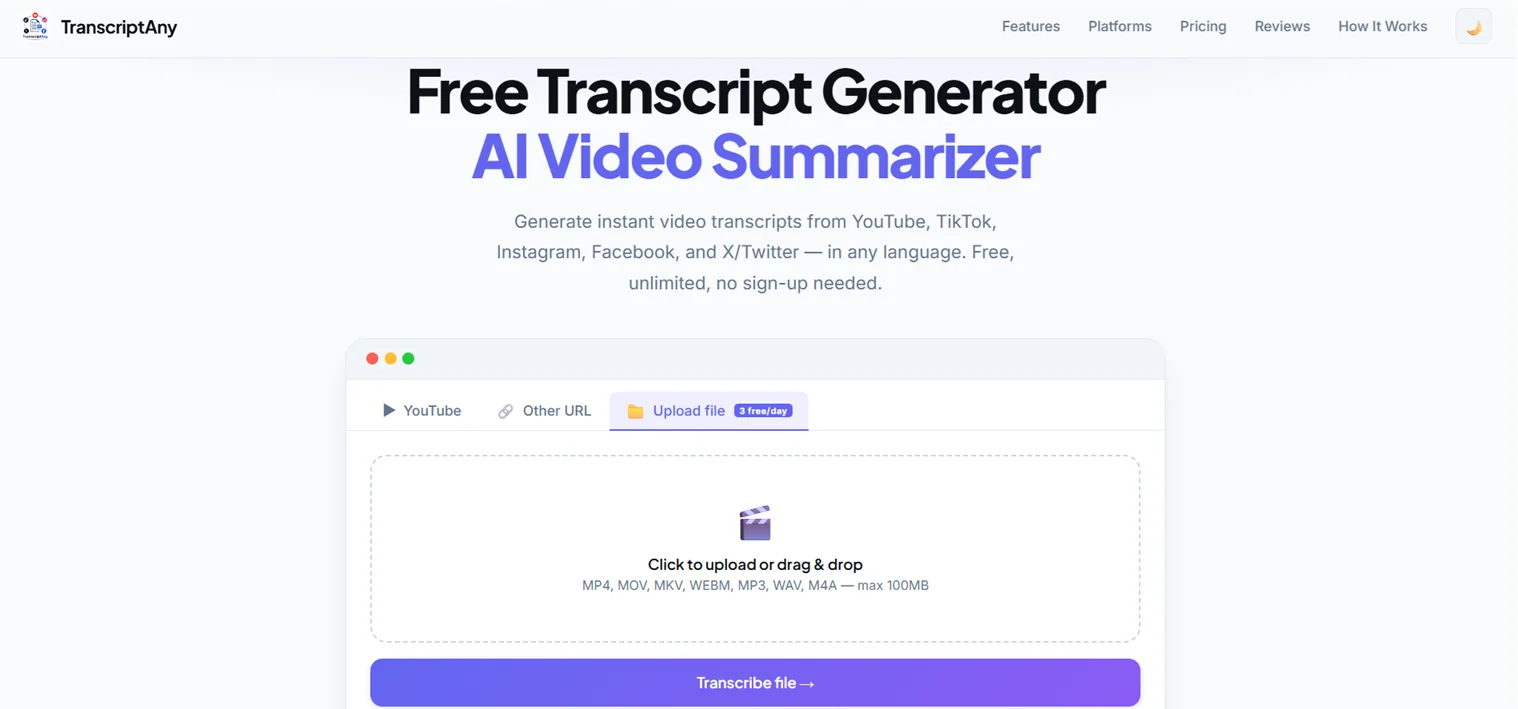
Step 2: Get the Full Transcript
Within moments, the complete transcript appears — timestamped and broken into segments. This alone is useful for finding a specific point the professor made without scrubbing through the video.
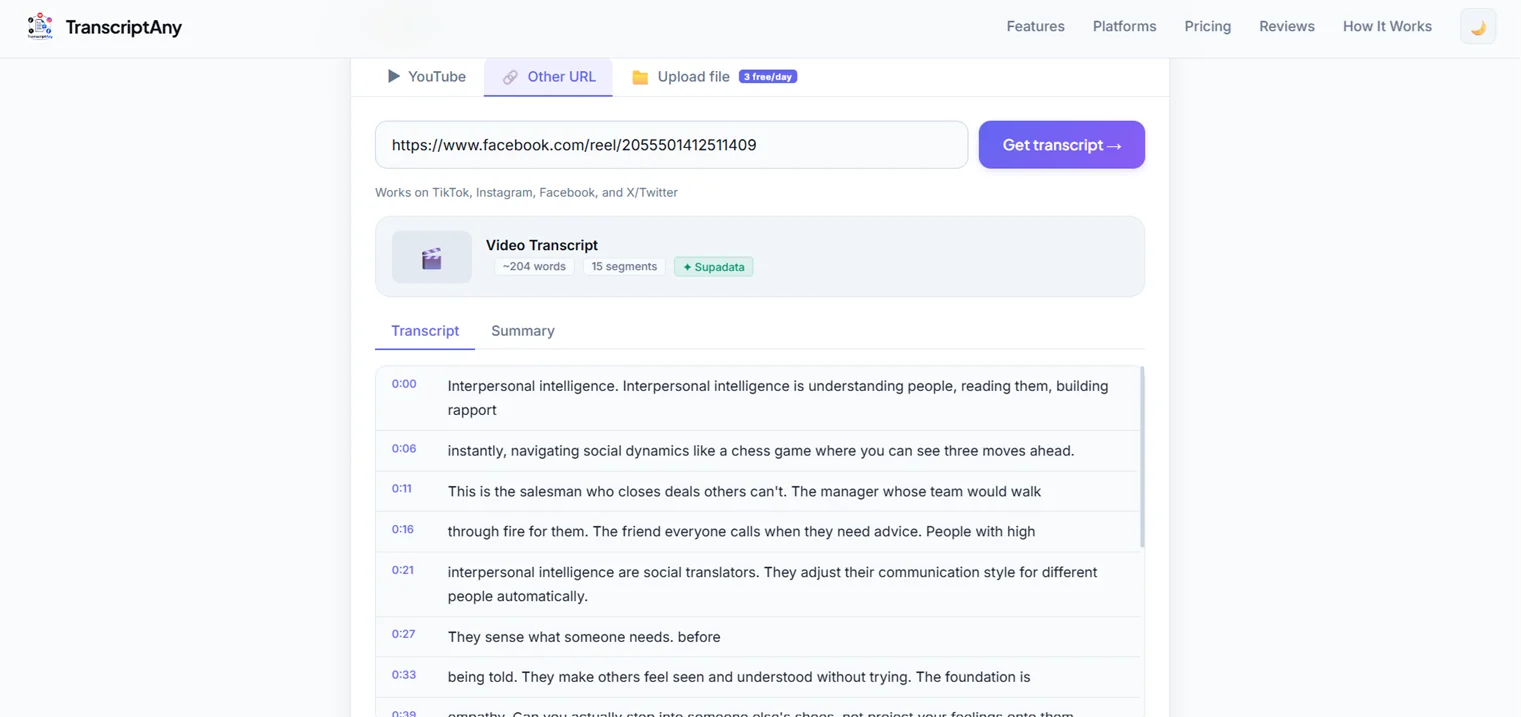
Step 3: Generate the Summary and Key Takeaways
Switch to the Summary tab to get an AI-generated overview of the lecture's content, plus a separate list of key takeaways — the individual points worth remembering, pulled out on their own rather than buried in paragraphs.
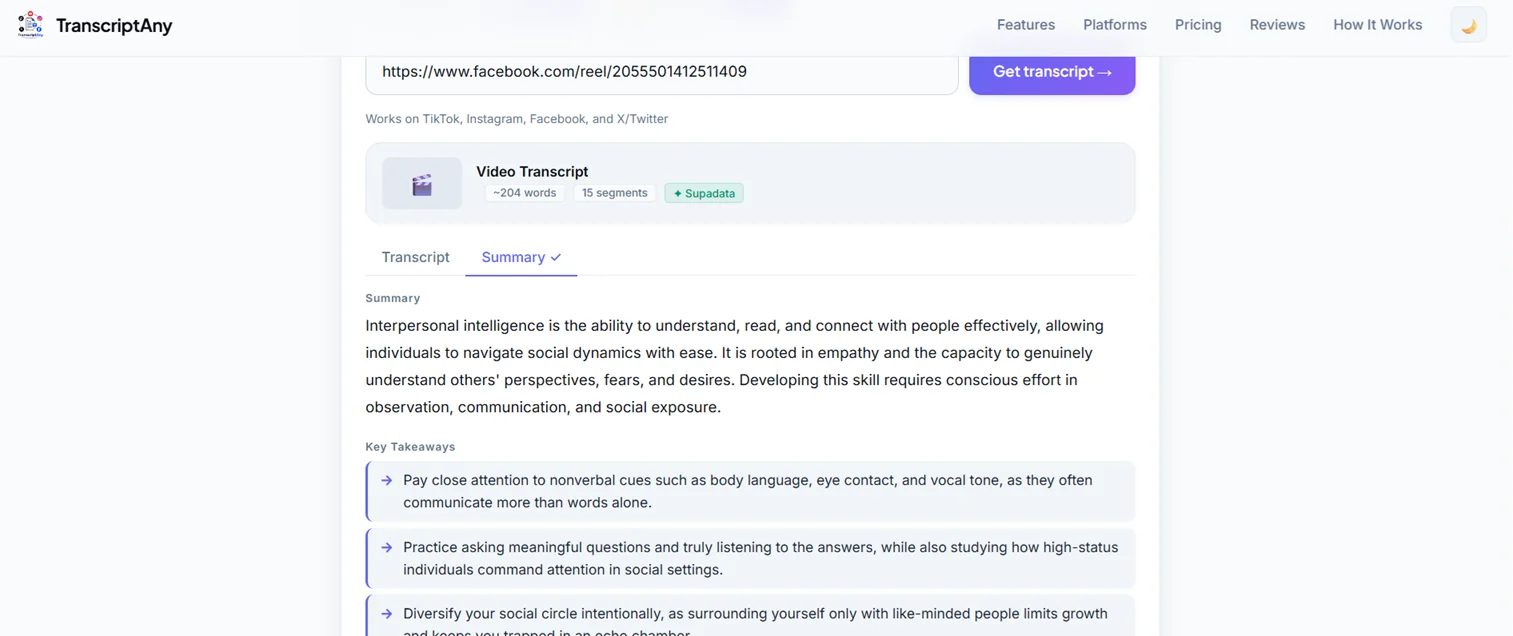
Step 4: Export for Studying
Download the summary and takeaways as a text file to keep alongside your other notes, or export the full transcript as a .pdf or .docx for a more detailed reference when you need the exact wording, not just the summary.
Why This Beats Manual Note-Taking
Live note-taking means choosing what to write down in real time, which means missing things. Working from a full transcript afterward means nothing gets lost — you can always go back to what was actually said, then let the AI summary handle the "what were the main points" pass for you.
Try It on Your Next Lecture
Paste a link or upload a recording and get your transcript and summary in minutes — 3 free AI summaries per day, no sign-up.
Summarize a Lecture Now — Free →