Whisper vs Claude: What's the Difference?
They get compared a lot, but they're not actually competing at the same job. Here's what each one does, in plain terms.
If you've looked into how AI transcription and summary tools work, you've probably seen both "Whisper" and "Claude" mentioned — sometimes side by side, as if they compete. They don't. They solve two completely different problems, and understanding the difference actually explains a lot about how a tool like TranscriptAny works under the hood.
Whisper: Turning Audio Into Text
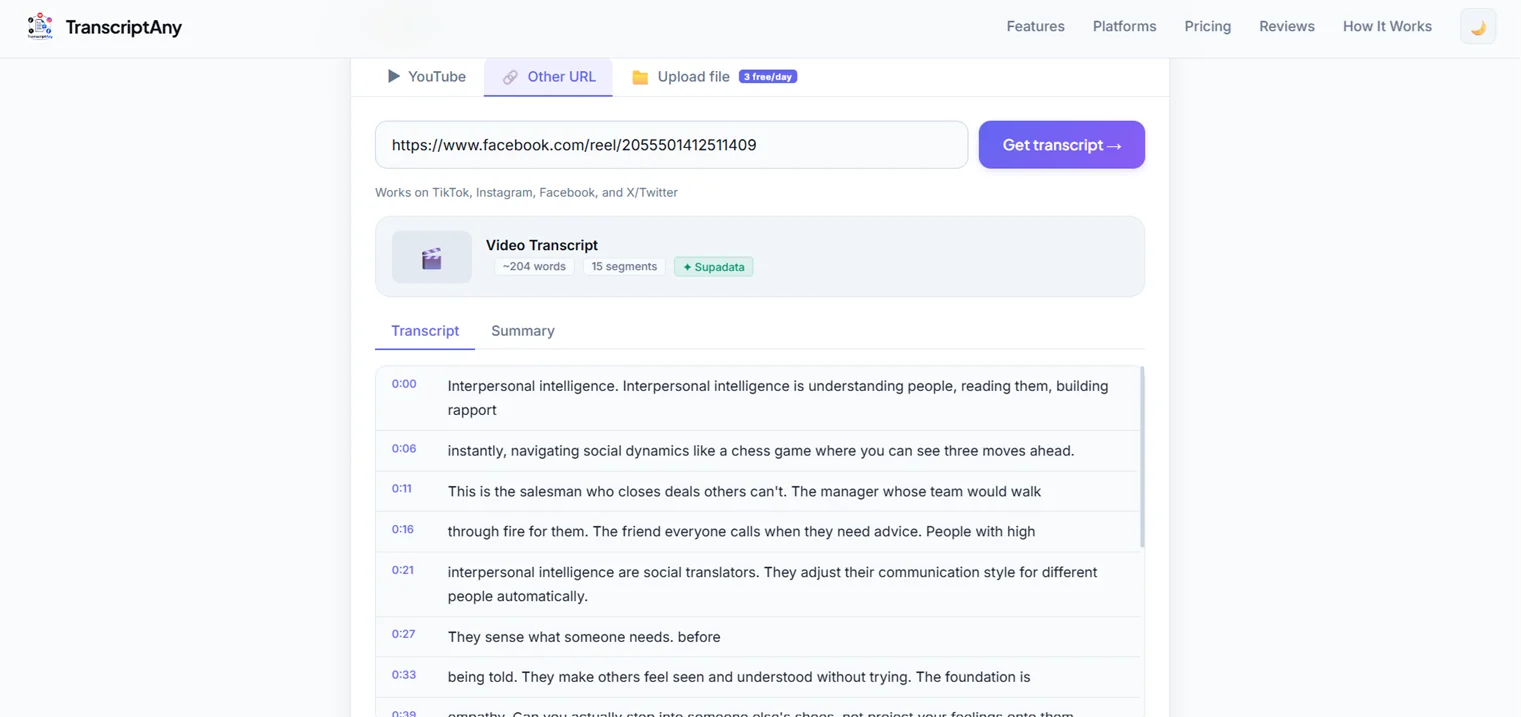
Whisper is a speech-to-text model — its entire job is listening to audio and writing down what was said. Feed it a recording, and it outputs a transcript. That's the whole task: audio in, text out.
TranscriptAny uses Groq's implementation of Whisper specifically for file uploads — when you upload an MP4, MP3, WAV, or other audio/video file, Whisper is what converts the spoken audio into the timestamped transcript you see on screen.
Claude: Understanding and Working With Text
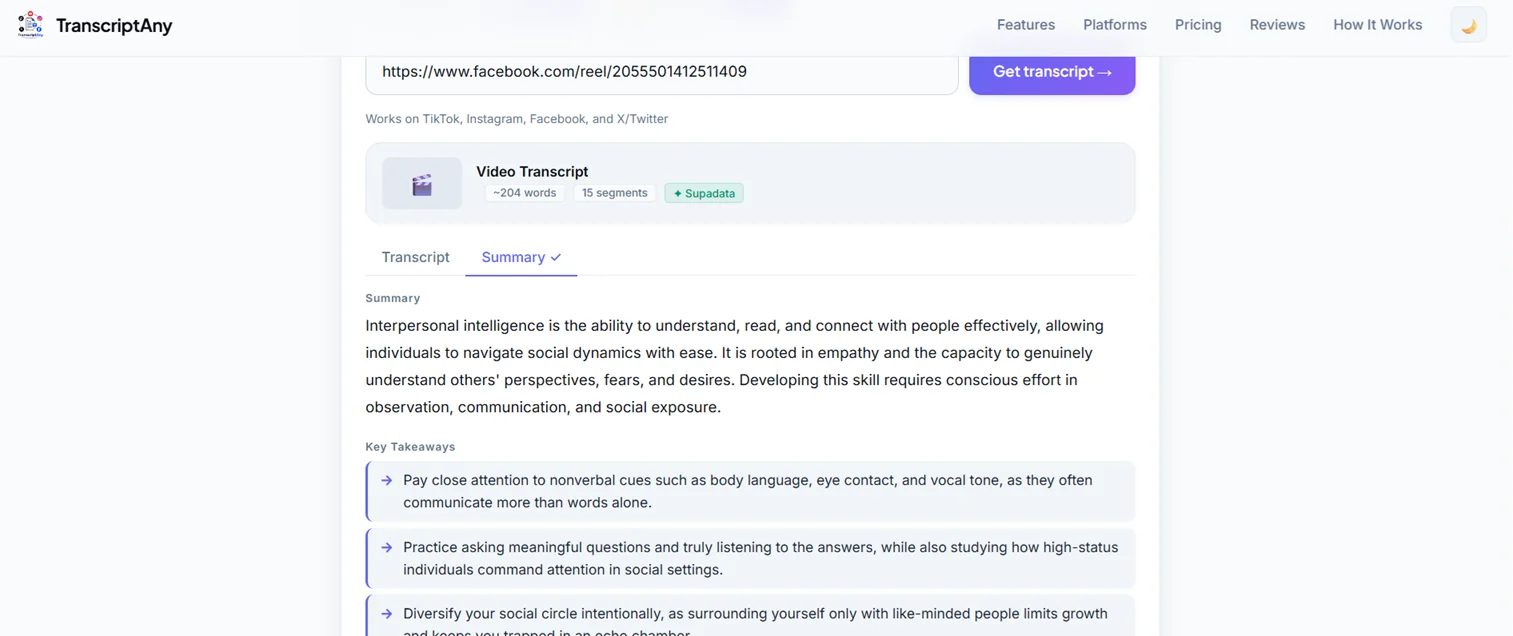
Claude is a large language model — it doesn't listen to audio at all. What it does is read text that already exists and work with it: answering questions about it, rewriting it, or in TranscriptAny's case, summarizing it into a concise overview and a list of key takeaways.
Claude only ever sees the transcript text itself — never the original audio or video. It has no way to "hear" anything; its entire job starts after the transcript already exists.
Whisper vs Claude at a Glance
| Whisper | Claude | |
|---|---|---|
| Primary job | Speech-to-text transcription | Reading and reasoning about text |
| Input type | Audio or video | Text (usually a transcript) |
| Transcription | Yes — its core function | No — doesn't process audio |
| Summarization | No | Yes — summaries, key takeaways, rewriting |
| Extracting key points | No | Yes |
| Handling long transcript text | Not applicable — it produces the text | Yes — reads and condenses it |
| Best use case | Getting spoken words onto the page | Making sense of text once it exists |
| Ideal combined workflow | Whisper transcribes first, then Claude works with that output | |
Why the Comparison Doesn't Quite Make Sense
Asking "which is better, Whisper or Claude?" is a bit like asking whether a microphone or an editor is better at making a podcast — they're both necessary, but for entirely different stages of the process. Whisper captures what was said. Claude helps you understand what it means, faster.
Going From Whisper to Claude: The General Workflow
Whether or not you're using TranscriptAny specifically, "Whisper to Claude" describes a simple two-stage process for turning a recording into something genuinely useful:
- 1. Transcribe the audio. Run the recording through Whisper (or any speech-to-text model) to get a raw text transcript.
- 2. Review the transcript if needed. Skim for obvious errors, especially with heavy accents, background noise, or multiple speakers — Claude's output is only as good as the text it's given.
- 3. Send the transcript to Claude. Once you have clean text, Claude can read the whole thing at once — it's built to handle long documents, not just short snippets.
- 4. Ask for what you actually need. A summary, a list of key takeaways, meeting notes, chapter breaks, follow-up questions, or action items — Claude generates these from the transcript text, not from the original audio.
TranscriptAny automates this exact sequence: Whisper transcribes the audio into text first, and only after that transcript exists does Claude read it to generate a summary and key takeaways. Neither step could do the other's job — each model is doing what it's actually built for. See the full breakdown on the AI Video Summary page.
Where This Combination Actually Helps
The Whisper-then-Claude pattern shows up anywhere spoken content needs to become usable text, and then something useful needs to be pulled out of it:
- Podcasts: transcribe the episode, then let Claude draft show notes and a summary instead of writing them from scratch.
- Lectures: transcribe the recording, then ask for key takeaways to study from instead of re-watching the whole thing.
- Interviews: transcribe the conversation, then have Claude pull out the recurring themes and strongest quotes.
- YouTube videos: get the transcript, then generate a quick summary before deciding whether to watch the full video.
- Meeting recordings: transcribe the discussion, then extract action items and decisions instead of scanning notes taken in real time.
- Repurposing content: transcribe a video once, then use the text (and a Claude-generated summary) as the starting point for a blog post, captions, or a newsletter.
Frequently Asked Questions
See Both in Action
Upload a file or paste a video link, and watch the transcript and AI summary come together — free to try.
Try It Now — Free →