The Fastest Way to Convert MP3 Audio Files to Text
A step-by-step guide to converting any MP3 file into text, in seconds, with no software to install.
Whether it's a podcast episode, a voice memo, a recorded interview, or a lecture you saved for later, turning an MP3 file into readable text usually means either typing it out by hand or hunting down transcription software. Neither is necessary. Here's how to convert any MP3 to text for free, in seconds, with no account required.
Why Transcribe an MP3 File?
Audio is great to listen to, but hard to search, quote, or skim. Converting it to text makes it far more useful:
- Podcasters — turn episodes into show notes, blog posts, or captions
- Students — transcribe lectures for studying and note-taking
- Journalists and researchers — get accurate, quotable text from interviews
- Professionals — transcribe meeting recordings or voice memos
- Content creators — repurpose audio content into written formats
Step 1: Upload Your MP3 File
Go to TranscriptAny and click the Upload file tab. Unlike the YouTube or Other URL tabs, this one works with actual audio and video files you upload directly — nothing needs to be publicly posted anywhere first.
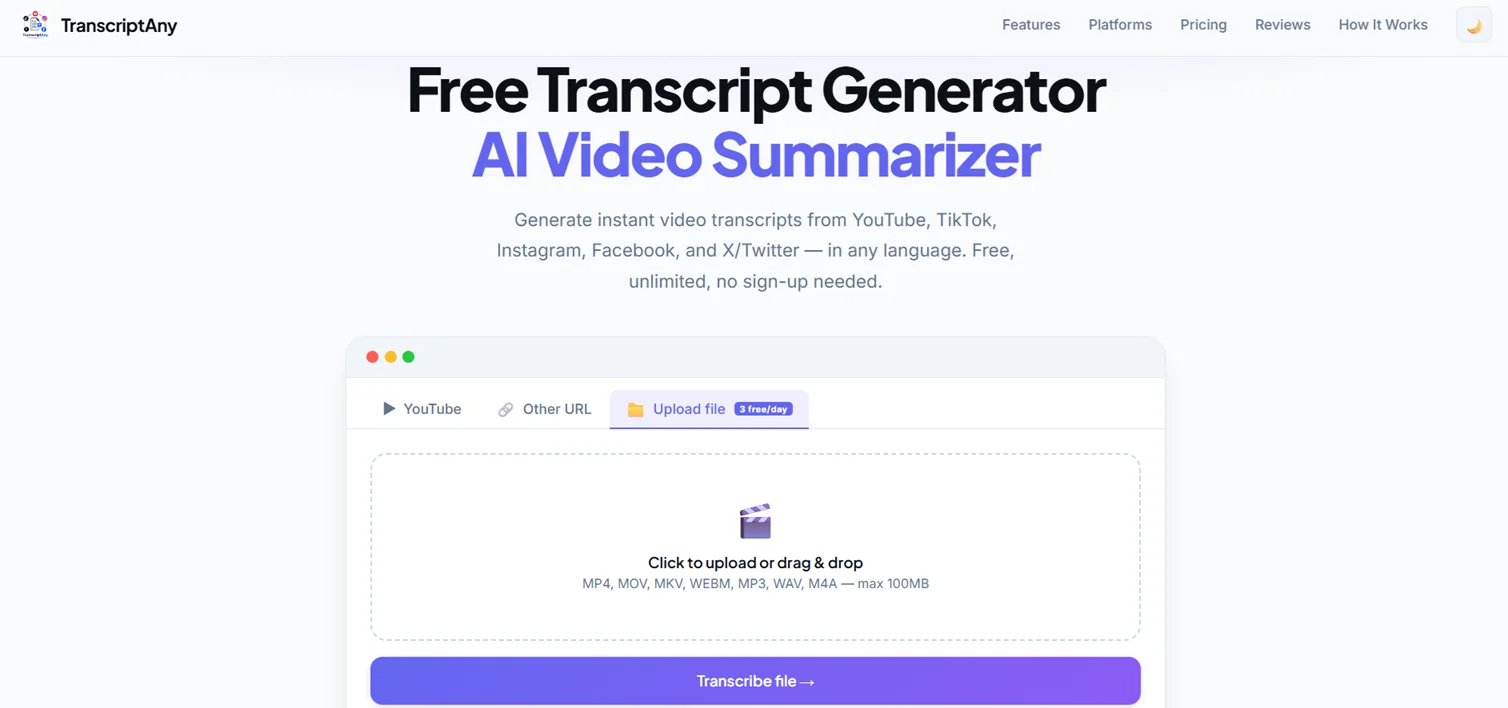
Click to browse or drag and drop your MP3 file in. TranscriptAny also supports MP4, MOV, MKV, WEBM, WAV, and M4A files up to 100MB.
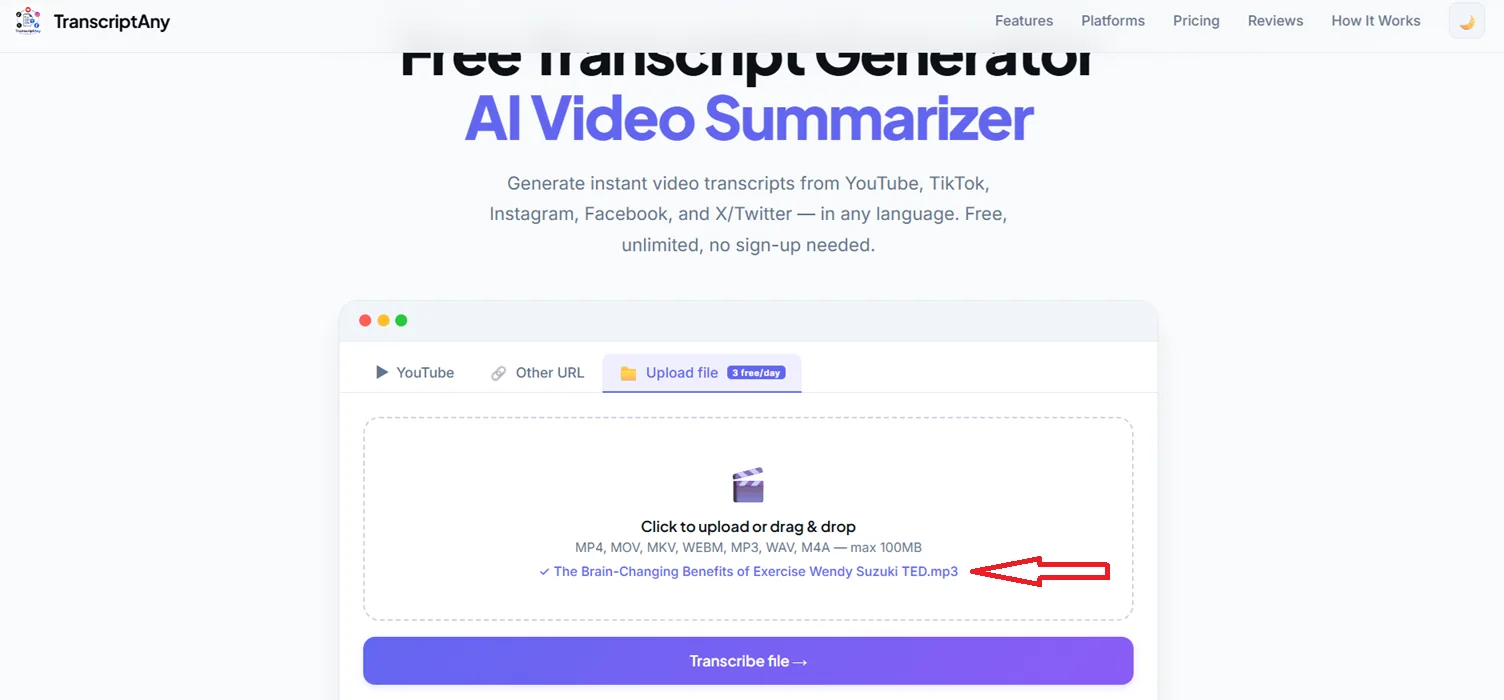
Once your file is selected, click Transcribe file.
Step 2: Get Your Transcript
Within moments, your full transcript appears — timestamped, segmented, and powered by Groq Whisper AI for accurate speech-to-text conversion.
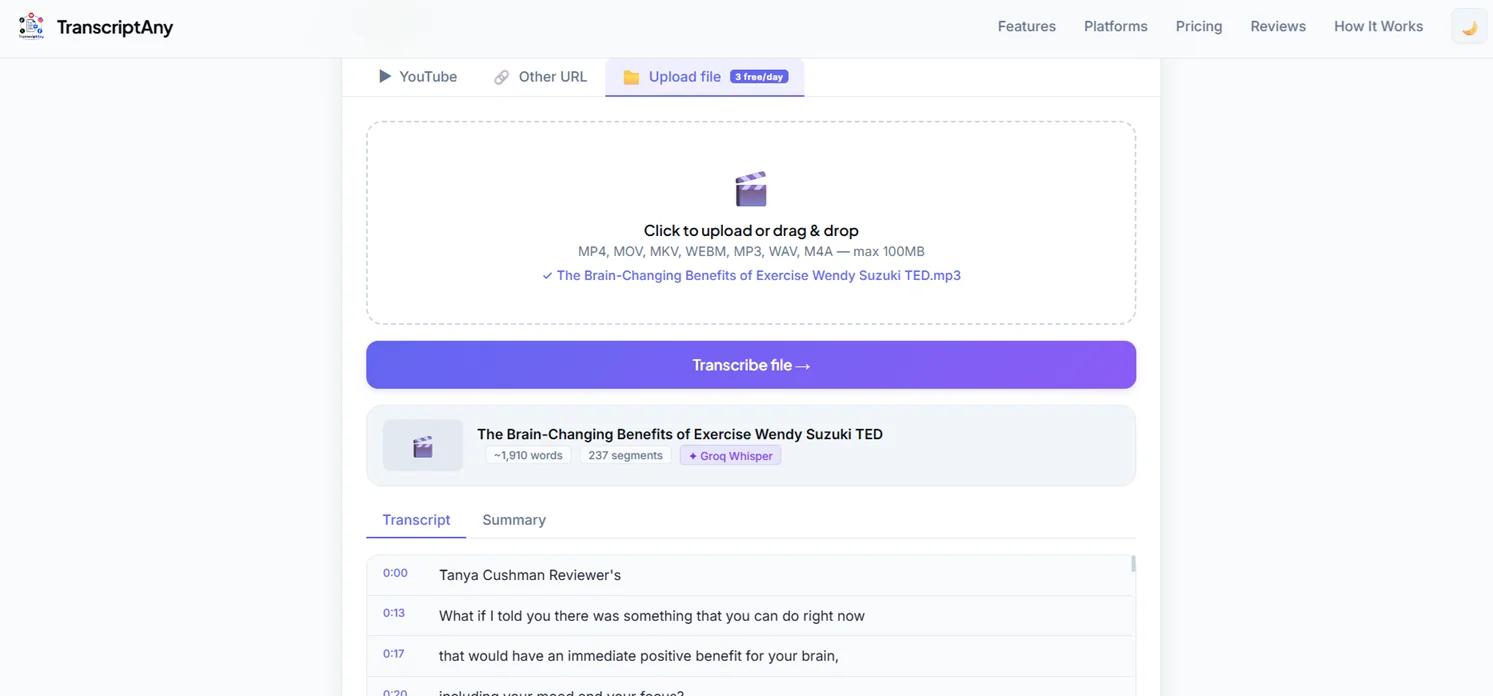
You'll also see basic info about the file: word count, number of segments, and the transcription engine used.
Step 3: Download the Transcript
Once your transcript is ready, TranscriptAny gives you multiple ways to save and reuse it:
- Copy Text — copy the full transcript instantly
- .txt with timestamps — great for reference or editing workflows
- .srt — a subtitle file, ready to sync with a video
- .pdf — for sharing or printing
- .docx — Word document export (Pro)
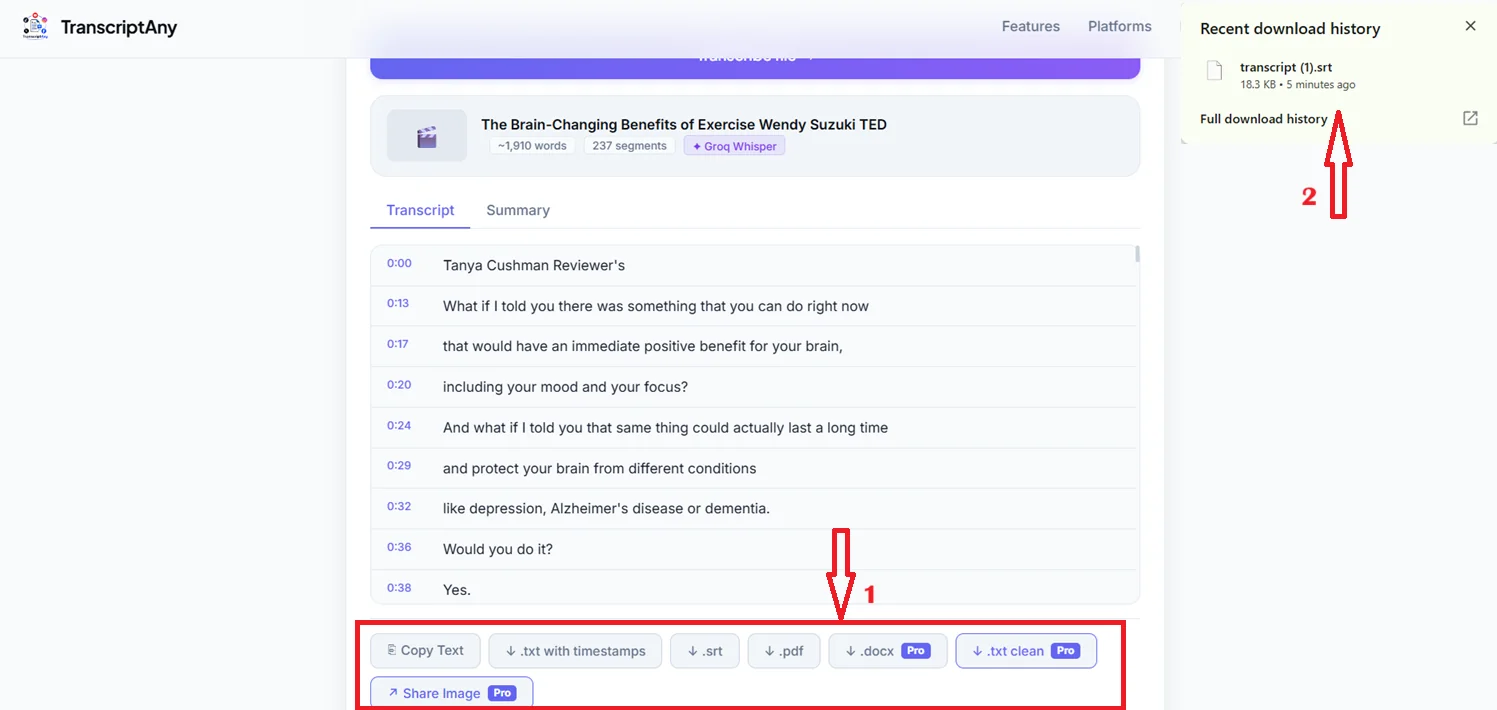
If you're a podcaster turning an episode into show notes, .txt with timestamps gives you exact wording alongside timing, so quotes are easy to place in context.
Step 4: Get an AI Summary
For longer audio files — lectures, interviews, long-form podcasts — reading the entire transcript isn't always necessary. TranscriptAny can also generate an AI summary and key takeaways from the audio content.
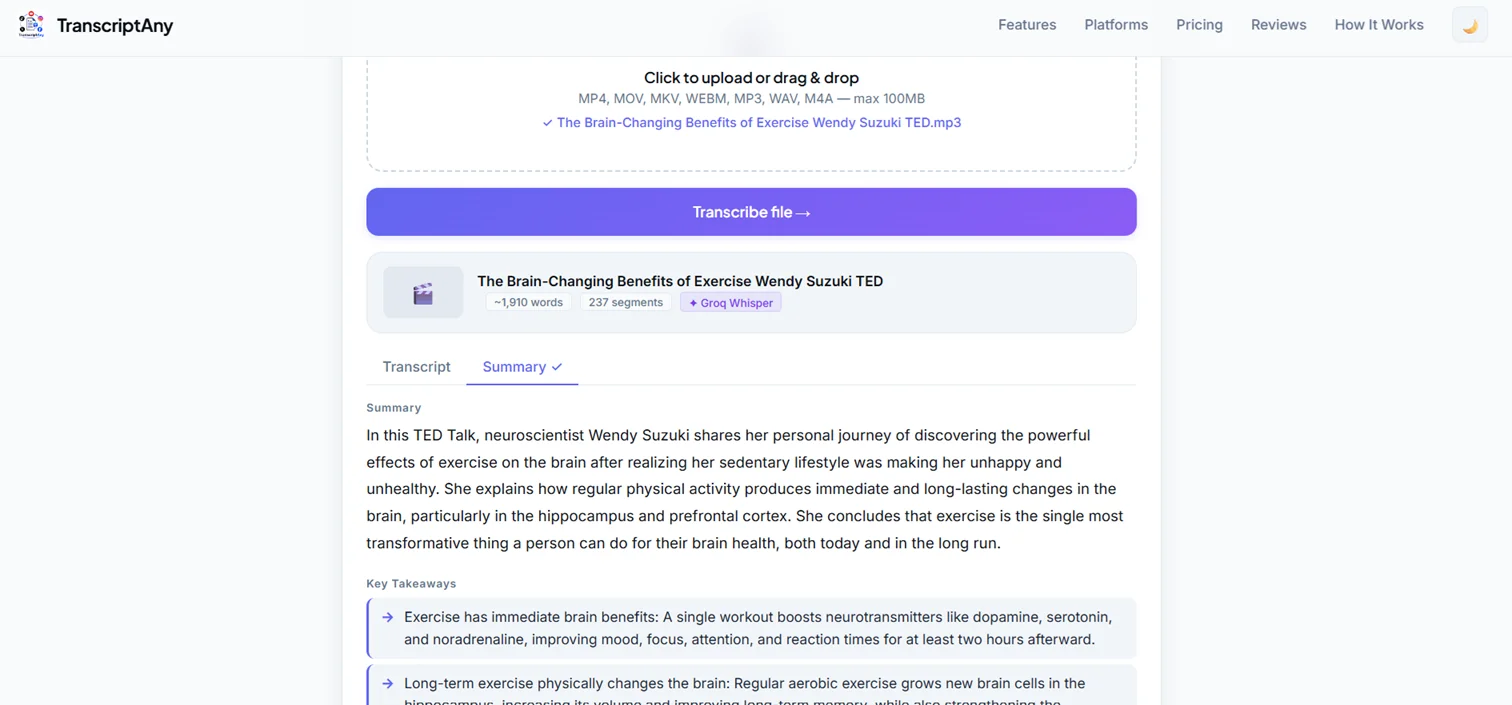
This makes it easy to get the core points of a 20-minute talk or interview without reading thousands of words.
What's the Maximum File Size?
You can upload MP3 files up to 100MB for free — enough for most podcast episodes, lectures, and long recordings.
What Languages Are Supported?
TranscriptAny supports 50+ languages, with the language automatically detected from the audio — no manual selection needed.
Is It Free?
Yes. File uploads include a limited free daily allowance, so you can transcribe MP3s at no cost. A Pro plan is available if you need more transcriptions per day or additional export formats like .docx.
Try It Yourself
Upload any MP3 file and try TranscriptAny free — no software to install, no account needed, just instant results.
Convert MP3 to Text Now — Free →