Making Online Course Videos Accessible with Transcripts
Turn a video lesson into text — for accessibility, note-taking, or repurposing into written course material.
Whether you're a student trying to review a lesson more efficiently or a course creator making content accessible, converting video lessons into text opens up a lot of practical uses beyond just watching once and moving on.
Get the Lesson Transcribed
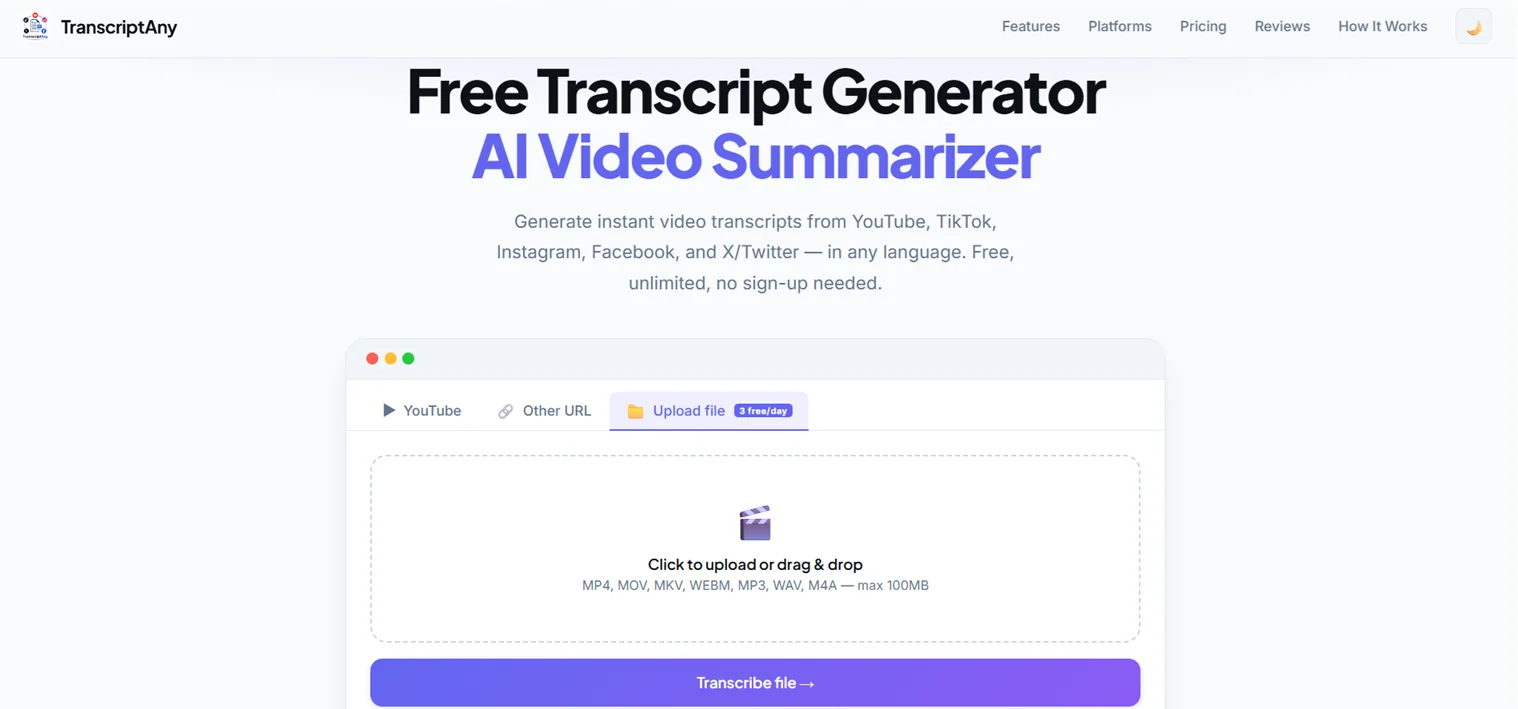
If the course video is hosted on YouTube, paste the link into TranscriptAny with the YouTube tab selected. If you have the lesson downloaded as a file instead, use the Upload file tab.
For Students: Study More Efficiently
- Searchable notes: Ctrl+F through the full lesson text instead of scrubbing through video to find a specific point
- Faster review: read a summary before an exam instead of rewatching every lesson in full
- Accessibility: follow along in text if audio quality, accents, or hearing makes listening difficult
For Course Creators: Improve Accessibility and Reach
- Closed captions: export as .srt to add accurate subtitles to your course videos
- Written lesson pages: repurpose the transcript into supplementary reading material for each lesson
- Bulk processing: Pro's Bulk Transcripts feature can transcribe multiple lesson links in a single batch instead of one at a time
Accessibility Compliance for Course Creators
Many institutions and course platforms are expected to meet accessibility standards like WCAG or ADA Section 508, which typically require captions or a text alternative for video content. A transcript satisfies that requirement directly, and exporting it as .srt gives you closed captions for the video itself rather than just a standalone document.
Courses in Other Languages
If a course is taught in a language other than English, TranscriptAny auto-detects the spoken language from over 50 supported options and returns the transcript in that same language rather than translating it — useful for creators building non-English course content, or students studying a lesson in a second language who want to read along with the audio.
Try It on a Course Lesson
Paste a lesson's video link or upload the file and get your transcript in seconds — free, unlimited, no sign-up.
Transcribe a Lesson Now — Free →