How to Transcribe TED Talks for Research and Quotes
Most TED Talks are posted to YouTube — which means getting an accurate, timestamped transcript takes seconds.
TED Talks are usually well-suited for transcription: a single clear speaker, deliberate pacing, and structured content — all things that make for a clean, accurate transcript. That makes them especially useful to have as text for research, quote-pulling, or citation work.
Get the Transcript
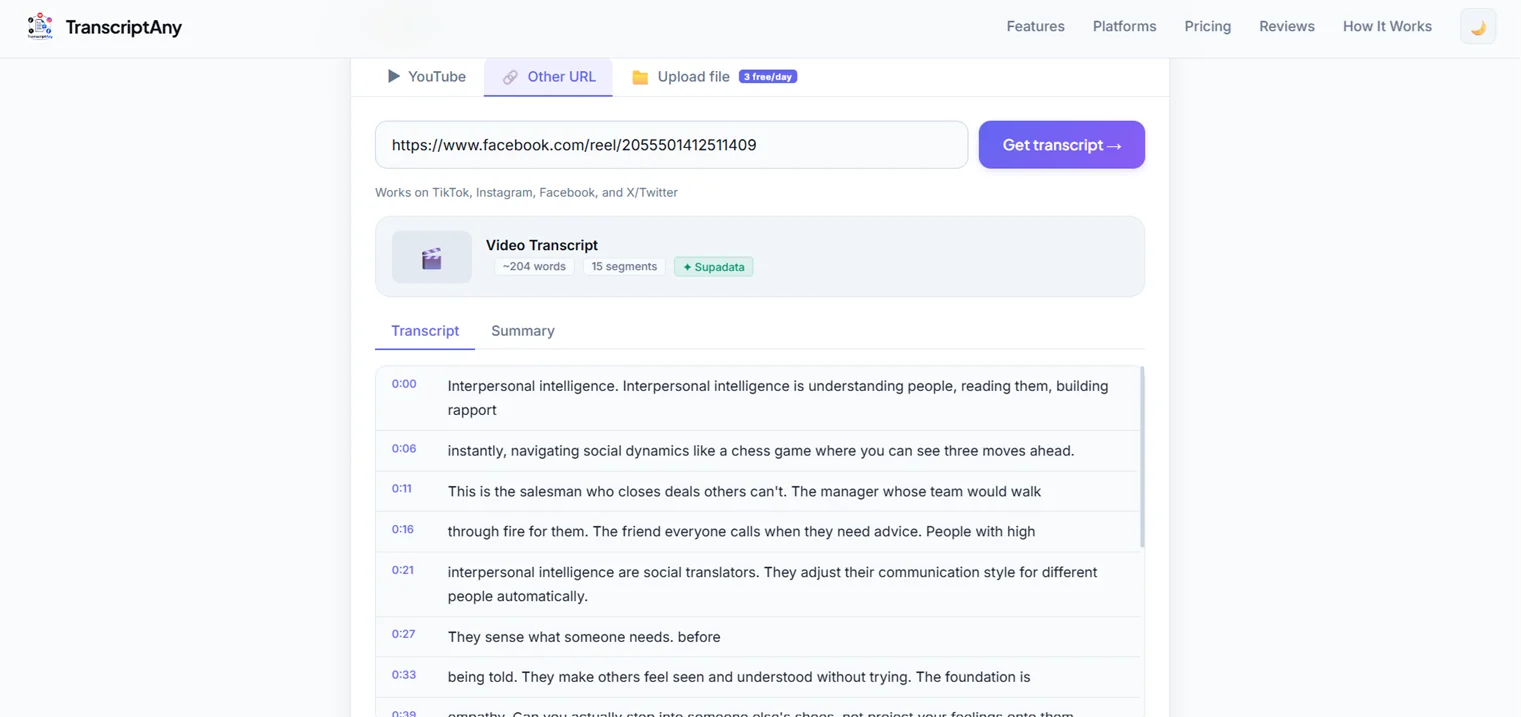
Most TED Talks live on YouTube. Copy the video's URL, paste it into TranscriptAny with the YouTube tab selected, and the full transcript appears in seconds, broken into timestamped segments.
Why This Is Useful for Research
- Exact quotes: pull a precise quote with its timestamp, so you can cite exactly where in the talk it came from
- Faster review: scan a 15-20 minute talk's content in a couple of minutes of reading instead of watching in real time
- Searchable text: use Ctrl+F to find a specific term or topic within the talk instantly
Get a Summary Too
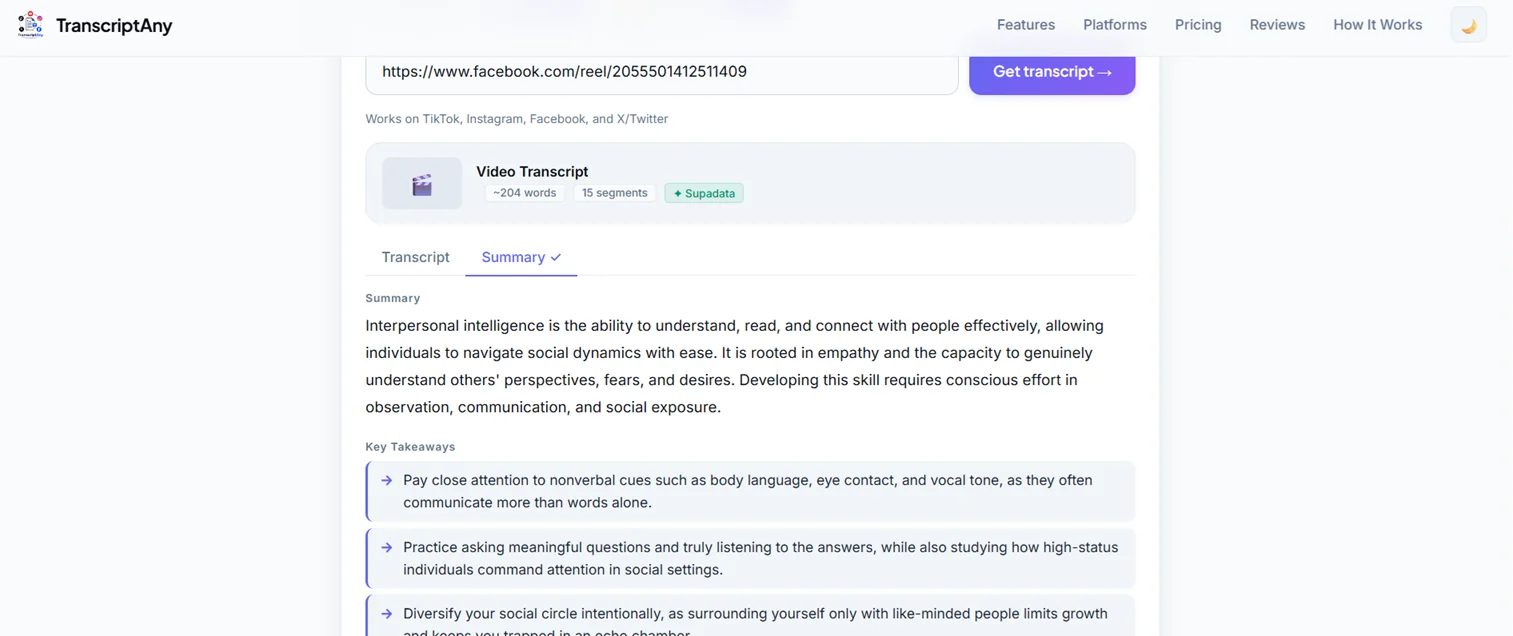
If you just need the core argument of a talk rather than the full text, switch to the Summary tab after generating the transcript — it produces a concise overview plus a list of key takeaways, useful for quickly deciding whether a talk is relevant to what you're researching before reading the full transcript.
Building Study Notes From Multiple Talks
If you're researching a topic across several TED Talks rather than just one, transcribing each talk individually gives you a set of searchable text documents you can compare side by side — useful for spotting where different speakers agree, disagree, or cite different evidence on the same subject, without having to re-watch any of them to check a detail.
Talks in Other Languages
Not every TED Talk is in English, and TEDx events in particular are recorded in dozens of languages worldwide. TranscriptAny auto-detects the spoken language from over 50 supported options and returns the transcript in that same language, so it works just as well for a Spanish, French, or Japanese-language talk as it does for an English one.
Try It on a TED Talk
Paste any TED Talk's YouTube link and get your transcript and summary in seconds — free, unlimited, no sign-up.
Get Your Transcript Now — Free →