How to Transcribe YouTube Shorts (Free, Instant)
Same tool, same URL box — Shorts work exactly like regular YouTube videos.
YouTube Shorts pack a lot into a short runtime, which makes them genuinely useful to have as text — for pulling captions, repurposing the script into a longer post, or just skimming what was said without replaying a fast-paced 30-second clip three times.
Paste the Shorts Link Directly
Go to TranscriptAny, make sure the YouTube tab is selected, and paste the Short's URL — it looks like youtube.com/shorts/VIDEO_ID. No special handling needed; it's processed exactly like a full-length video.
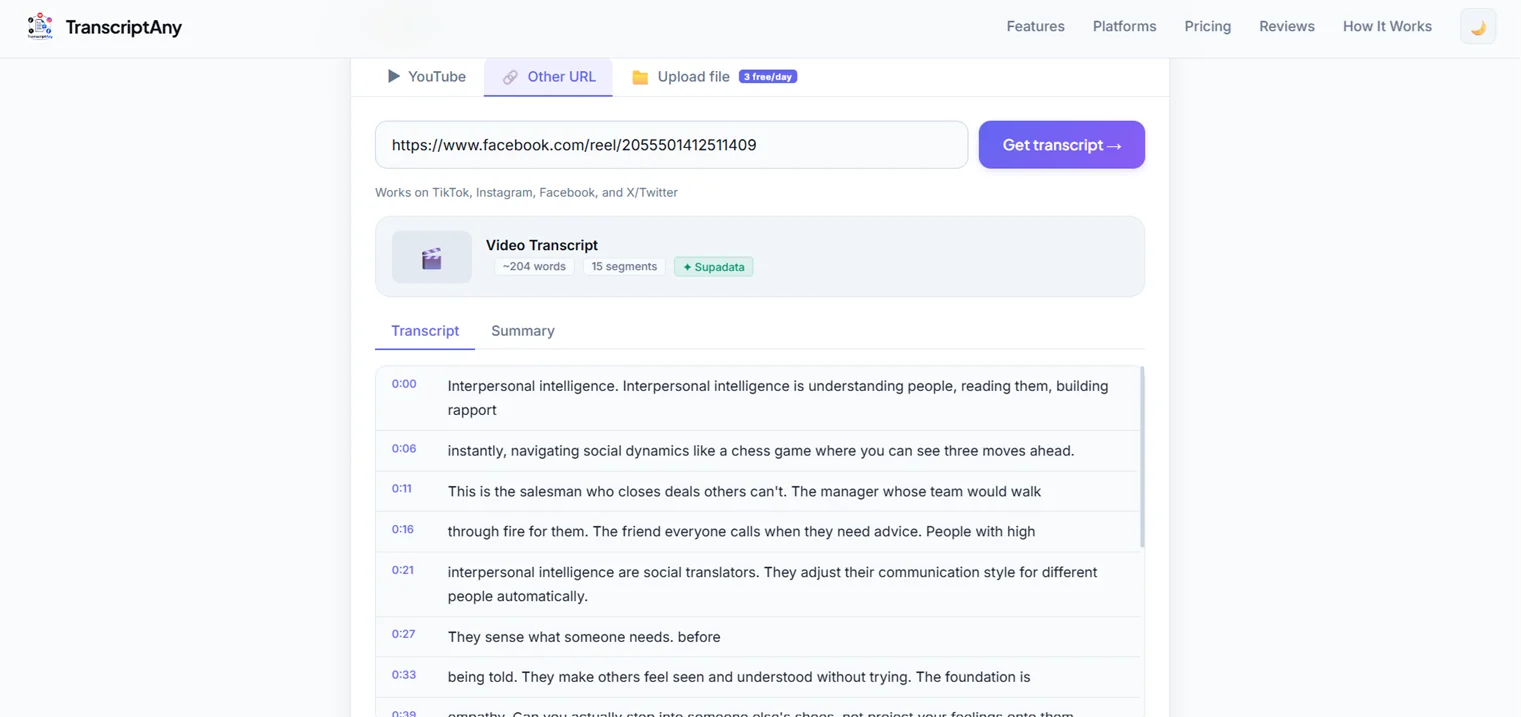
Why Shorts Are Worth Transcribing
- Repurposing: turn a Short's script into a caption, a tweet thread, or a blog snippet without re-watching and typing it out
- Accessibility: fast-paced spoken content is easy to miss on a first watch — the transcript catches everything
- Content research: quickly scan what a Short actually says without playing every video in a search result one by one
One Thing to Keep in Mind
Shorts often rely on on-screen text overlays and captions that are part of the video's visual editing, not the spoken audio track. TranscriptAny transcribes what's actually said out loud — text that only appears visually on screen (not spoken) won't be captured, since that's a video-editing element rather than audio.
Try It on a Short Right Now
Paste any YouTube Shorts link and get your transcript in seconds — free, unlimited, no sign-up.
Get Your Transcript Now — Free →