Why Your YouTube Transcript Isn't Available (and How to Fix It)
Four real reasons this happens — and the ways to still get the text, including one that works every time.
You paste a YouTube link into a YouTube transcript generator and the transcript isn't showing — instead you get some version of "transcript not available" or "captions disabled." It's a common, fixable problem — here's what's actually causing it and what to do about each case.
Reason 1: The Creator Disabled Captions
Video creators can turn off automatic captions entirely for their uploads. When they do, there's no caption track for YouTube — or any tool reading YouTube's captions — to pull from. This is by far the most common cause of "transcript not available."
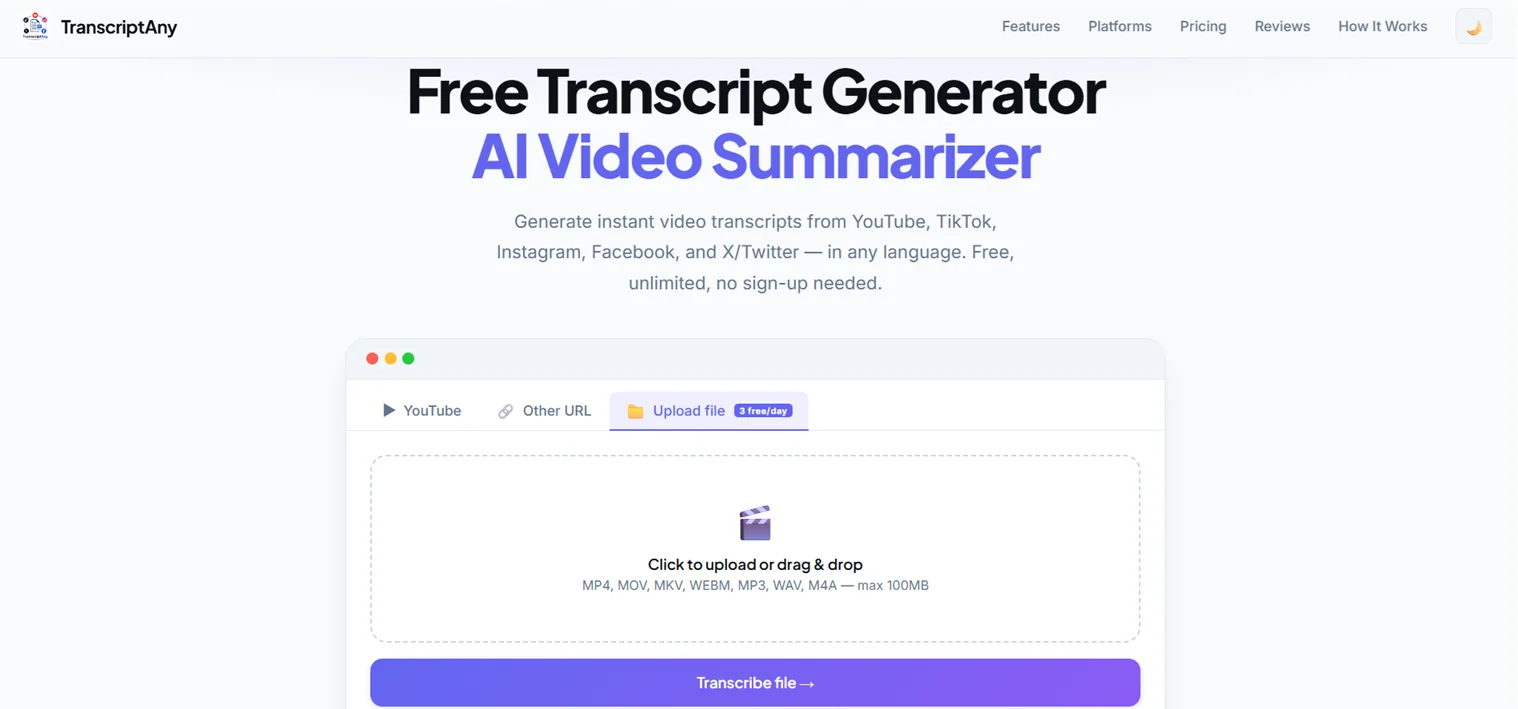
The fix: since the audio itself isn't hidden, you can work around this by uploading the video file directly instead of pasting the URL. TranscriptAny's file upload uses AI speech-to-text (Groq Whisper) to transcribe straight from the audio, completely independent of whether YouTube has captions turned on.
Reason 2: Auto-Captions Haven't Generated Yet
For a video uploaded within the last few minutes or hours, YouTube's own automatic captioning system may not have finished processing yet. This is temporary — the transcript usually becomes available within a short while after upload. Livestreams and Premieres follow the same pattern: captions typically aren't ready until some time after the broadcast ends, not while it's still live.
The fix: wait a bit and try again, or use the file-upload workaround above if you need the text immediately.
Reason 3: The Video Is Private or Restricted
If a video is private, unlisted with restricted access, or age-restricted behind a login, its content isn't publicly accessible — and that applies to the audio and captions too, not just the video player. No transcript tool, including TranscriptAny, can access content that YouTube itself won't serve publicly.
The fix: there isn't a workaround for genuinely private content. If you have legitimate access to the file itself (for example, it's your own video), downloading and uploading it directly is the only path.
Reason 4: The "Show Transcript" Option Is Hidden in the Interface
Sometimes the transcript isn't missing at all — it's just not where you're looking. On YouTube's desktop site, the transcript panel is tucked under the "...more" button in the video description, not next to the CC captions toggle. On mobile or in the YouTube app, that option can be harder to find or absent from the layout entirely, which makes it look like there's no transcript when there actually is one.
The fix: on desktop, expand the video description and look for "Show transcript" near the top. If it's still not there, or you're on mobile, pasting the URL into a transcript tool skips YouTube's interface entirely.
The One Method That Always Works (When the Video Is Public)
Since file upload transcribes from the actual audio rather than depending on YouTube's caption system, it sidesteps reasons 1 and 2 entirely. If you can download the video (or already have the file), uploading it directly to TranscriptAny gets you a transcript regardless of the video's caption settings.
Frequently Asked Questions
Try It Yourself
Paste a YouTube link, or upload the file directly if captions aren't working — either way, get your transcript in seconds.
Get Your Transcript Now — Free →