How to Transcribe Podcasts for Show Notes and SEO
A published transcript turns an audio-only episode into something search engines — and readers who don't listen — can actually find and use.
Podcast audio is invisible to search engines and inaccessible to anyone who can't or doesn't want to listen. A text transcript fixes both problems, and it's also the fastest way to generate real show notes without writing them from scratch.
Get Your Episode Transcribed
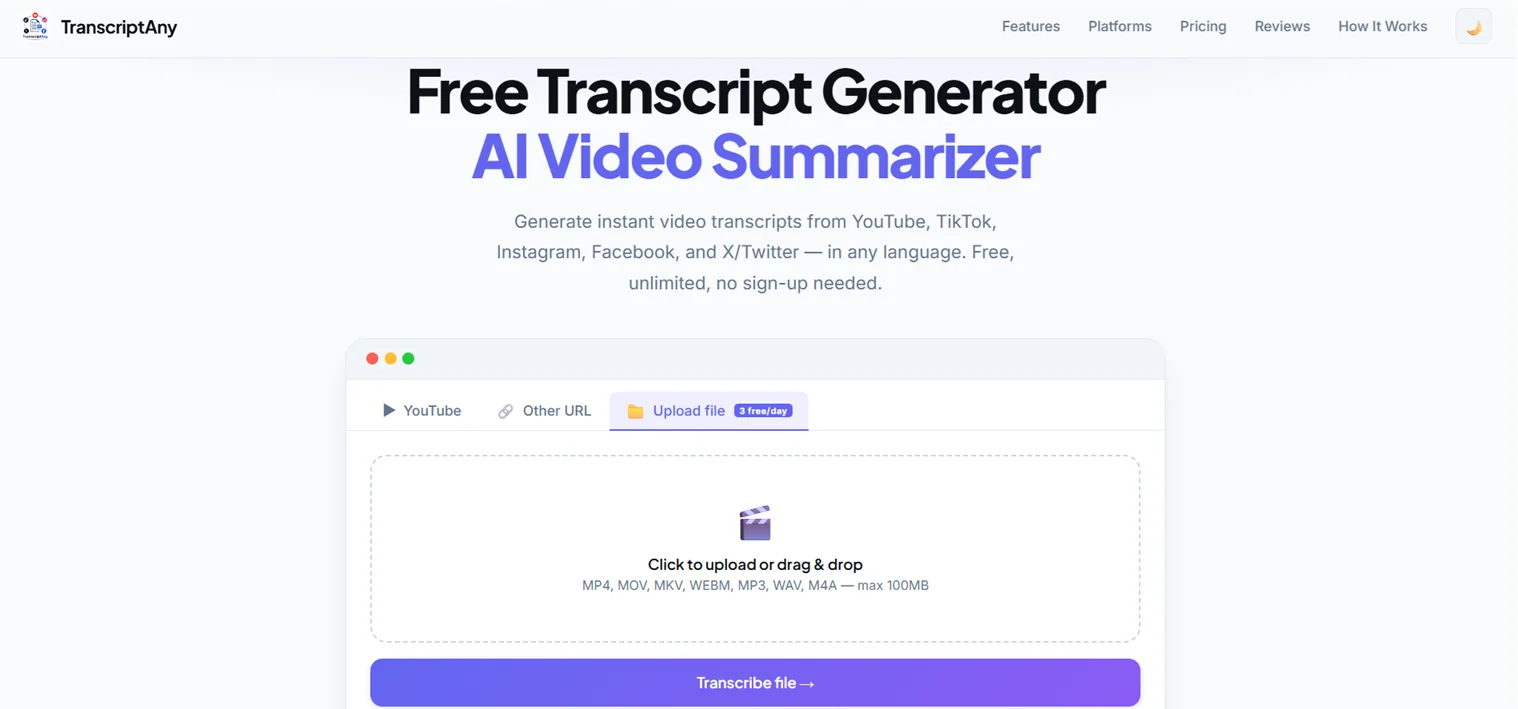
If you have the raw audio file, go to TranscriptAny and use the Upload file tab for your MP3, WAV, or M4A file. If your podcast is also published as a video on YouTube, paste that link into the YouTube tab instead — either way works.
Generate Show Notes Automatically
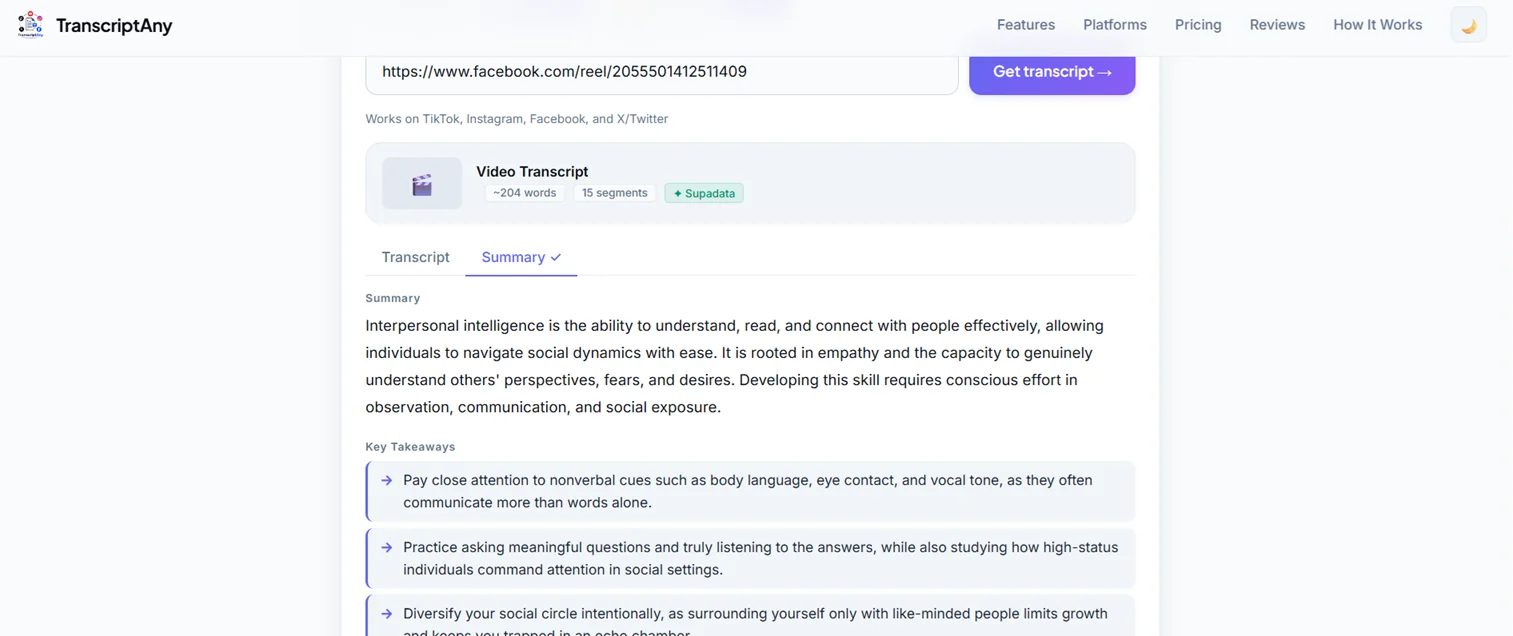
Once the transcript is ready, switch to the Summary tab to get an AI-generated overview plus key takeaways — a solid starting point for actual show notes, rather than staring at a blank page after recording. Curious how transcription and AI summarization actually differ under the hood? Here's the breakdown of speech-to-text vs AI analysis.
Why This Helps With SEO
- Indexable content: a published transcript gives search engines actual text to crawl from an episode page, unlike audio alone
- Long-form keyword coverage: a 45-minute conversation naturally covers dozens of phrases and topics your audience might search for
- Repurposing: pull quotes for social posts, turn segments into blog content, or create a written summary for your podcast's website
One Honest Limitation
TranscriptAny doesn't currently label who's speaking in a multi-host or multi-guest episode — it transcribes the full audio as one continuous text. For interview-style episodes where tracking exactly who said what matters, you may want to note speaker changes yourself while reading through.
Try It on Your Next Episode
Upload your podcast audio or paste a YouTube link and get your transcript and show notes in minutes — free.
Transcribe a Podcast Now — Free →